
Pet Microchip Registration: The Check Most Owners Never Do
A microchip is only as good as the details attached to it. Here is how to check your registration is current, what to update after a move, and what to do if your pet goes missing.
In short
A microchip is only as good as the details attached to it. Here is how to check your registration is current, what to update after a move, and what to do if your pet goes missing.
Microchipping is now a legal requirement for dogs and cats in the UK, and most owners assume the job is done once the chip is implanted. But a chip is only a number. If the details attached to that number are out of date, a found pet cannot be returned to you — and out-of-date details are extremely common, particularly after a house move.
How the System Actually Works
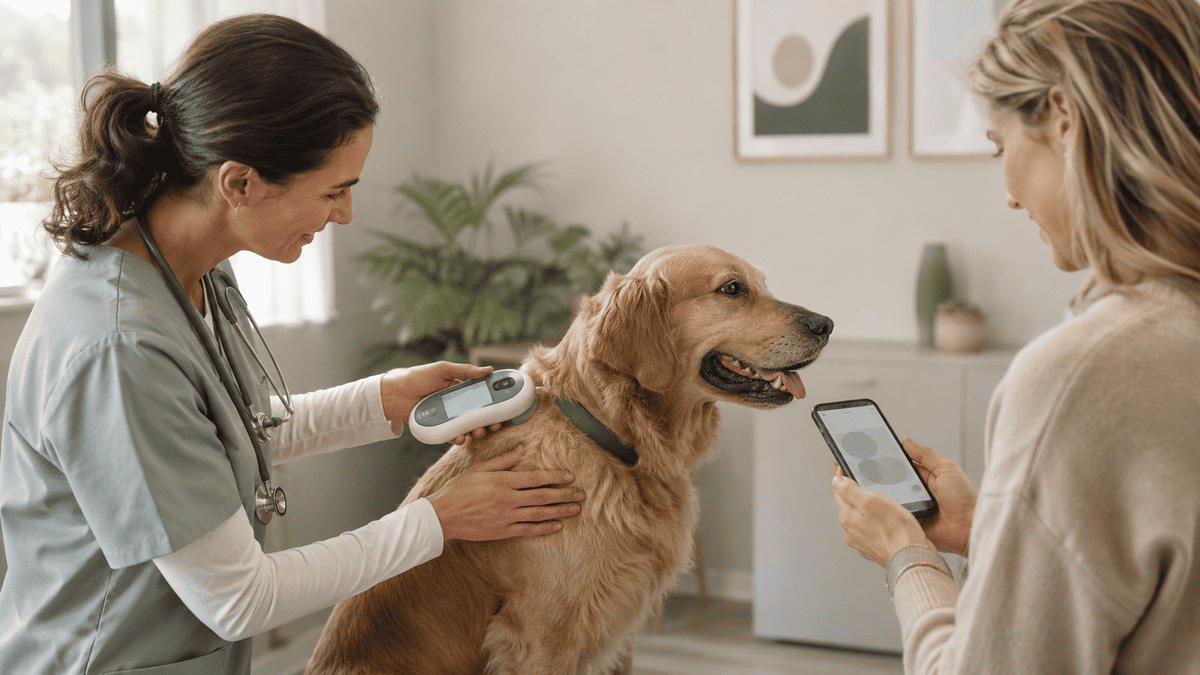
The chip carries a 15-digit number and nothing else. No address, no phone number, no medical information. When a vet or shelter scans a found animal, they look the number up on a registry database, which holds the contact details you supplied. If those details are wrong, the trail ends there.
The Check to Do Today
- Find your pet's microchip number — on the vaccination card, the chip certificate, or ask your vet to scan.
- Use a chip lookup service to identify which registry holds the record.
- Log in to that registry and confirm your current address, phone number and email.
- Confirm you are listed as the current keeper — not the breeder or a previous owner.
- Add a second contact if the registry allows it.
This takes about five minutes and is the single most valuable piece of pet admin most owners never do.
When to Update the Registration
- After any house move
- When you change phone number or email
- When a pet changes hands — the keeper record must be transferred
- After adopting from a rescue, confirm the transfer actually happened
- Before travelling abroad
Pet Emergency and Care Info Kit
Keep the microchip number, registry name and contact details written down where you can find them instantly. The Pet Emergency and Care Info Kit includes a printable lost pet sheet, emergency contacts and care information ready to fill in now.
Get the Pet Emergency and Care Info Kit →What a Microchip Does Not Do
A microchip is not a tracker. It cannot tell you where your pet is; it only works when someone finds the animal and scans it. It also does not replace a collar and ID tag, which in most jurisdictions is a legal requirement for dogs in public and is the fastest way for a member of the public to contact you without involving a vet at all.
If Your Pet Goes Missing
- Report the pet missing to the microchip registry immediately — this flags the number if it is scanned.
- Contact your vet, local emergency clinics and shelters.
- Contact the local council dog warden.
- Post a clear recent photo and description to local community groups.
- Search the immediate area first — most pets are found close to home.
Two ways to be prepared
Want a full kit with a lost pet sheet? Choose the Pet Emergency and Care Info Kit. Want the microchip number on a compact card for the fridge and wallet? Choose the Pet Emergency Card.
Get the Pet Emergency Card →Frequently Asked Questions
How do I find out which registry my pet is on?
Use an online chip lookup tool with the 15-digit number, or ask your vet — they scan and check registries routinely.
Does the chip need replacing over time?
No, chips are designed to last a lifetime. Ask your vet to scan at annual check-ups to confirm it is still readable and has not migrated.
Do I still need a collar tag if my pet is chipped?
Yes. A tag lets anyone contact you immediately; a chip requires a scanner. They serve different purposes.
Printable and fillable PDF templates for pet owners — feeding schedules, health records, training trackers and more.